Why This Still Matters
Google Business Profile is the single most visible touchpoint for local businesses in search. When someone searches for a service near them, the local pack (those three business listings with the map) is often the first thing they see. Your GBP listing determines whether you appear there and whether people click through to learn more.
Despite this, a lot of local business listings are only partially completed. Missing photos, no recent posts, blank service descriptions, and stale information. If that describes your listing, there's a real opportunity to separate yourself from competitors just by being thorough.
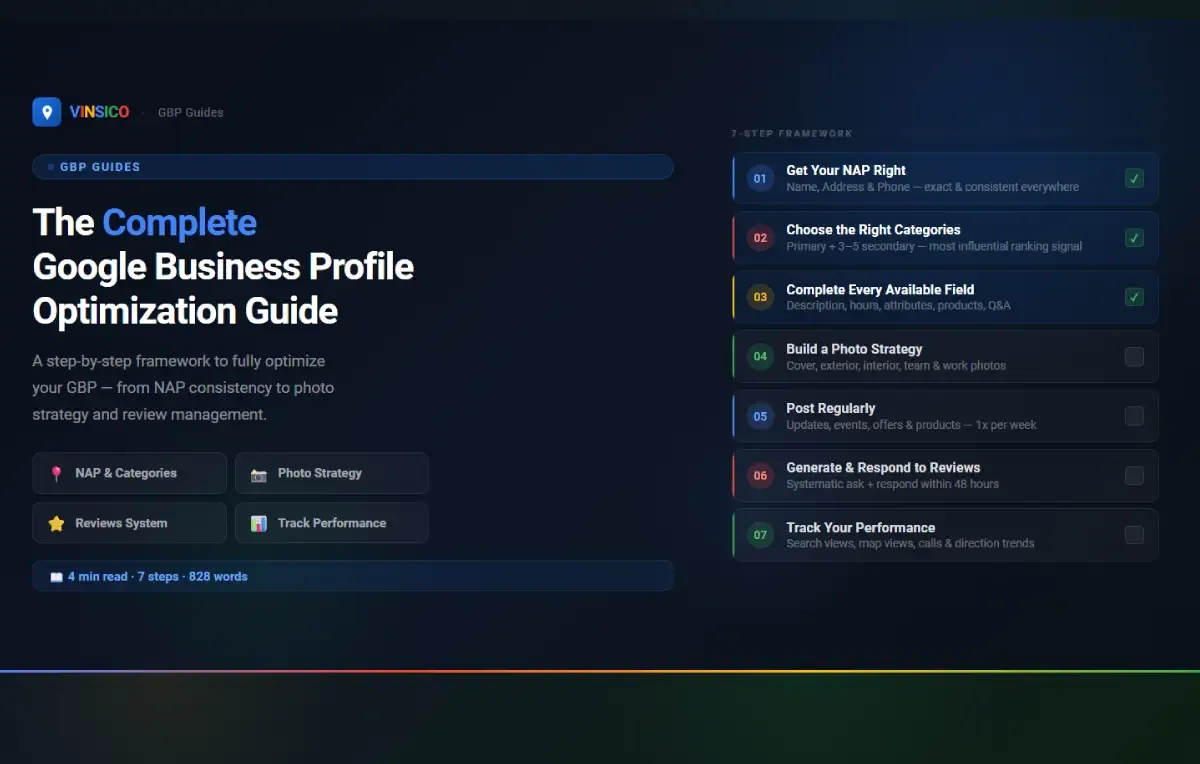
Step 1: Get Your NAP Right
NAP stands for Name, Address, and Phone number. This is foundational.
Use your exact legal business name as it appears on your signage and legal documents. Don't add keywords to it. Google's guidelines explicitly prohibit names like "Joe's Plumbing - Best Plumber in Austin TX." If Google catches this (and they're getting better at enforcement), your listing can be suspended.
Make your NAP consistent everywhere. Your GBP listing, website, Facebook page, Yelp, Bing Places, and every other directory should show the exact same name, address format, and phone number. Even small differences (like "St." vs. "Street" or using a toll-free number in one place and a local number in another) can create confusion that works against you in local rankings.
Step 2: Choose the Right Categories
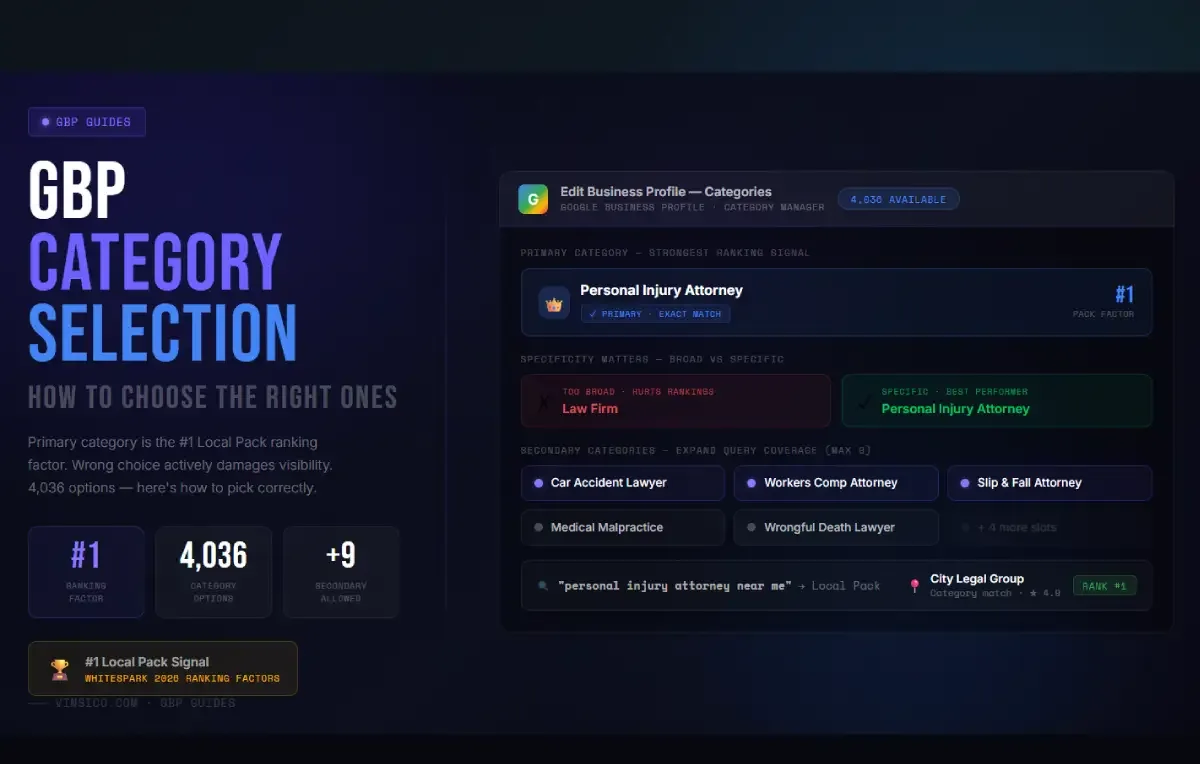
Your primary category is one of the most influential ranking signals. Pick the most specific category that accurately describes your main service. See our category selection guide for detailed advice on this.
Add 3-5 secondary categories that reflect your other legitimate services. Don't add categories for services you don't offer.
Step 3: Complete Every Available Field
Google gives you a lot of fields. Use them all.
- Business description: You have 750 characters. Front-load with your most important services and location. Write for humans, not search engines, but naturally include the terms people would use to find you.
- Hours: Set regular hours accurately, and update special hours for holidays. Google tracks this and may flag your listing with "hours might differ" warnings if you don't maintain it.
- Attributes: Check all attributes that apply to your business (wheelchair accessible, free Wi-Fi, women-owned, etc.). Google adds new attributes regularly, so check back periodically.
- Products and Services: List your key offerings with photos, descriptions, and pricing where applicable. These show up directly in your listing and give customers useful information.
- Q&A: Proactively add and answer common questions. See our quick GBP wins article for more on this tactic.
Step 4: Build a Photo Strategy
Photos matter for GBP, primarily because they influence whether customers engage with your listing (click for directions, call you, visit your website). Google's own support documentation has stated that businesses with photos receive more requests for directions and more clicks to their websites.
What to upload:
- Cover photo: Your best exterior or interior shot. 720x720 pixels minimum. No text overlays.
- Exterior photos: Help customers recognize your location when they arrive.
- Interior photos: Show the environment. Clean, well-lit, inviting.
- Team photos: Real people build trust. Skip the stock photos.
- Product/work photos: Show what you do. Before-and-after shots work well for service businesses.
Aim to upload a few new photos each month. Fresh photos signal an active, current business. Don't upload 100 photos at once and then nothing for a year.
Step 5: Post Regularly
Google Posts let you share updates, promotions, events, and news directly on your listing. Think of it as a mini social media channel built into your GBP listing.
Post at least once a week. Types include:
- Updates: News, tips, or behind-the-scenes content
- Events: Upcoming events with dates and details
- Offers: Promotions or special deals
- Products: Highlight specific products or services
Posts that include a call-to-action button (Learn More, Call Now, Book Online) tend to drive more engagement. Keep the text concise and include an image.
Step 6: Generate and Respond to Reviews
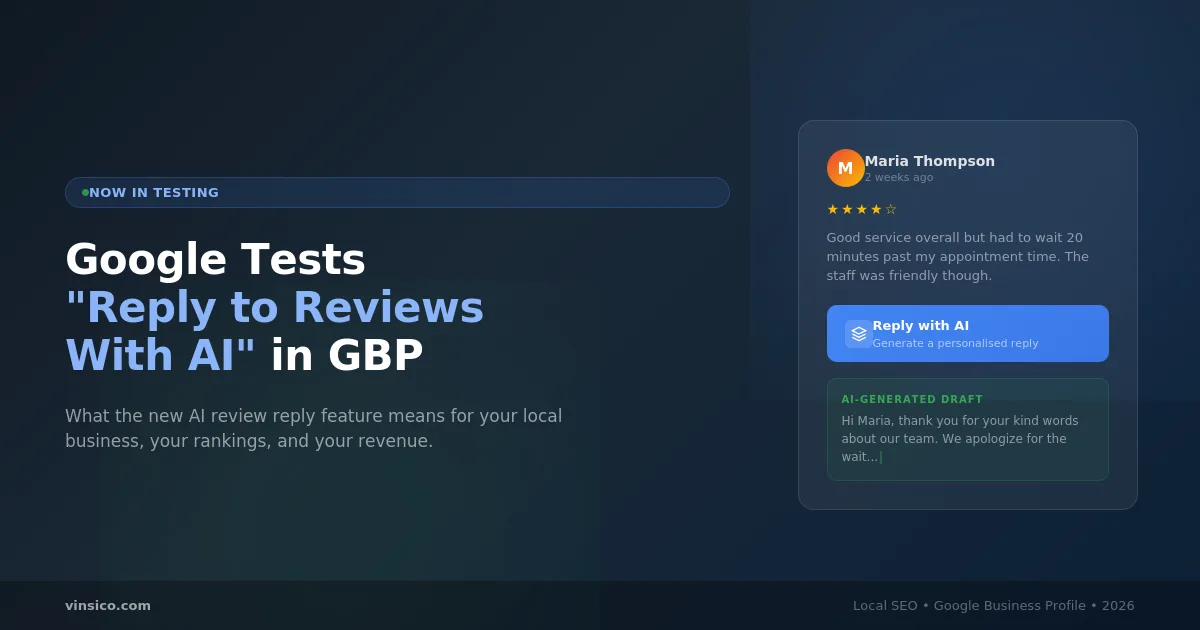
Reviews are one of the strongest local ranking signals, and they're critical for conversion. We've covered this in depth in our review velocity guide, but the short version: ask customers systematically, make it easy with a direct review link, and respond to every review (positive and negative) within 48 hours.
Step 7: Track Your Performance
GBP Insights gives you data on how customers find and interact with your listing. Check these metrics monthly:
- Search views: How often your listing appeared in search results (broken down by direct searches vs. discovery searches)
- Map views: How often your listing appeared on Maps
- Actions: Direction requests, phone calls, website visits
- Photo views: How your photo views compare to businesses like yours
The value isn't in the numbers themselves - it's in the trends. If direction requests are declining month over month, something changed and needs investigation. If discovery searches are up, your optimization work is expanding your visibility. Track, notice patterns, and adjust.